

Easily capture all angles of your object at speed

Our most comprehensive 3D scanner featuring wireless technology and an inbuilt touchscreen for instant data projection.

This new-generation metrological device is equipped with automatic temperature stabilization for high-precision scans.

Our most popular product, Eva is fast, versatile, and accurate.

Entry-level structured light 3D scanner with geometry-only tracking and data capture.
Capture both tiny and large objects or areas with the maximum precision. Ideal for quality assurance

Create digital twins of large to massive objects with remarkable speed and astounding accuracy.

A 5-micron accuracy desktop 3D scanner and automated, one-click solution for small and extra small items.

A 2-micron measurement solution, ideal for inspection and reverse engineering.

Find the 3D scanner best equipped for your industry or application.



Used by businesses in all major industries
Have a look at how Artec scanners provide solutions within these industries.


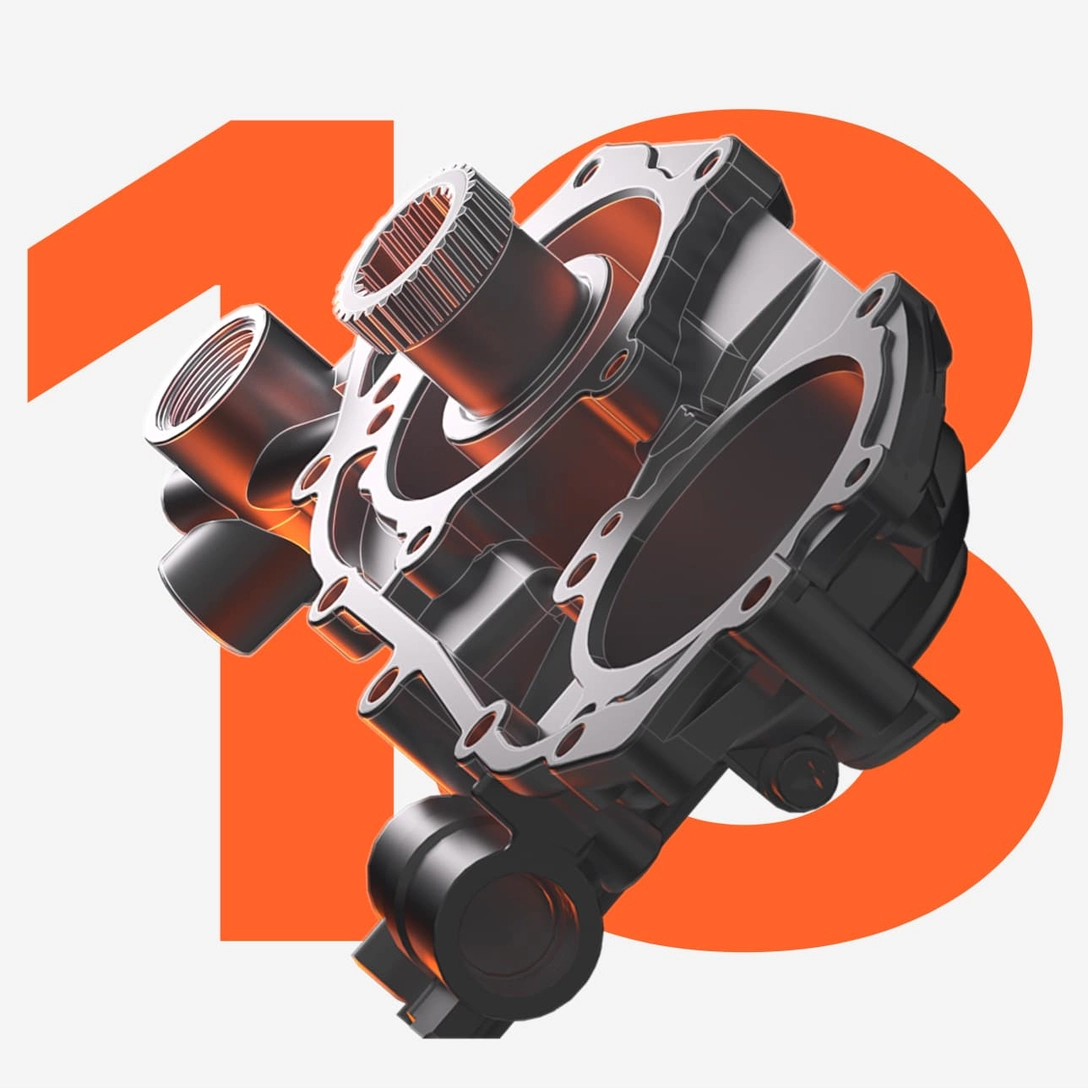
Captured with Artec 3D scanners
Creating highly accurate 3D models of objects with various textures, sizes, and geometries.


Choose the right scanner
Explore these guides to find out more about the 3D scanner that will best meet your needs.


Content Hub picks
Our latest news, case studies, guides, and 3D models within the relevant industry or application.


 Event
Event
 Video
Video
Artec Travel Backpacks
Get involved

See Artec technology in action with a free demo, online or offline, at your convenience!

Speak directly with an expert and learn how you can transform your workflow.

Locate and get in touch with your nearest Artec 3D reseller.

Keen to promote and sell Artec 3D scanners yourself? We’ll tell you how.